From an issue to a draft pull request.
Cowork, in muxcode's sidebar, works your project's GitHub issues in the cloud, each on its own branch, and ends each with a draft pull request for you to review.
muxcode 1.0.20 for Apple silicon
Pro and Pro+ on mux, and team workspaces for members on Pro or Pro+
Each task, in three steps
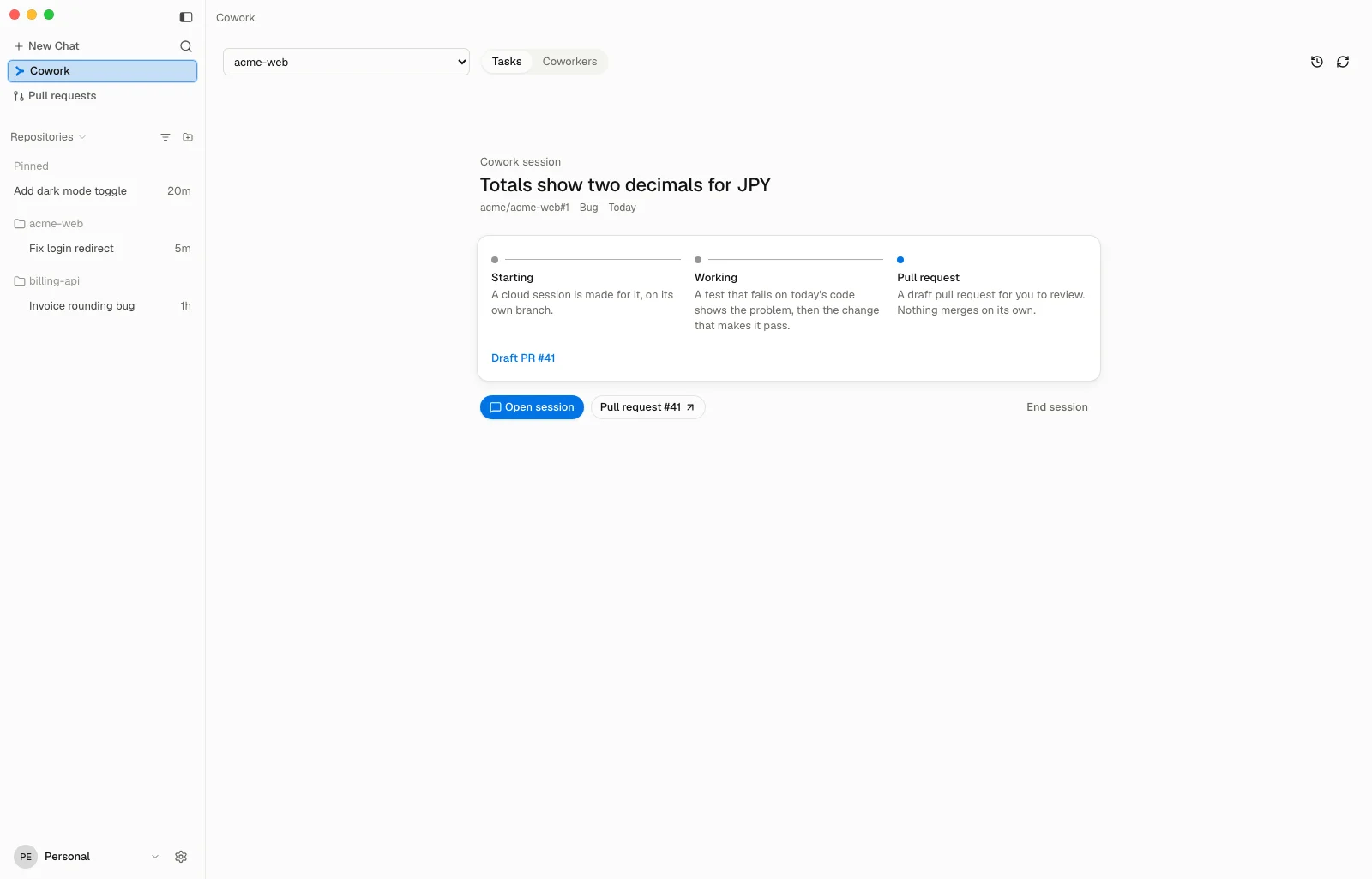
- Starting muxcode starts a cloud session for the task, on a branch of its own.
- Working A test that fails on today's code shows the problem, then the change that makes it pass.
- Pull request A draft pull request for you to review. Nothing merges on its own.
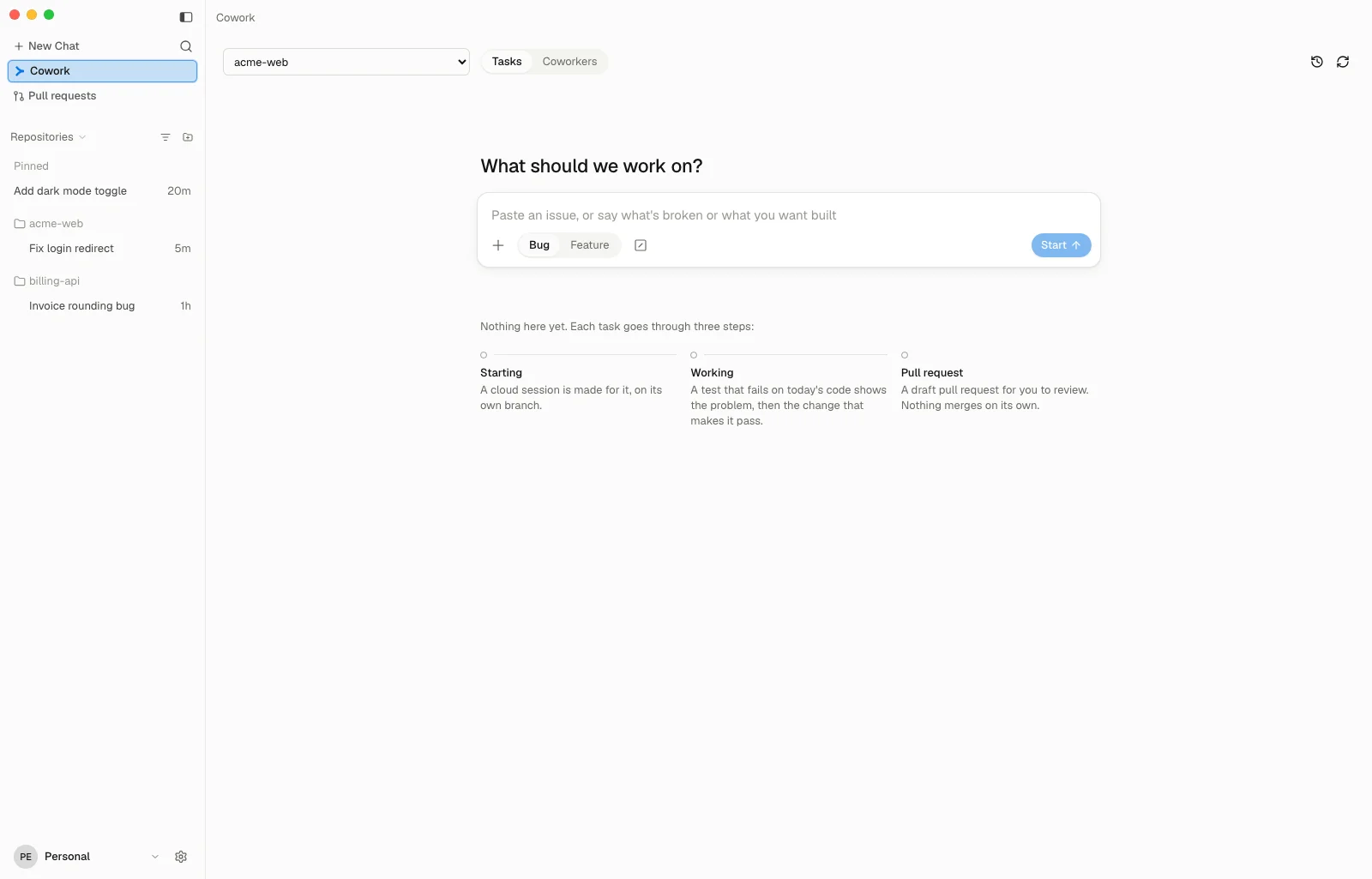
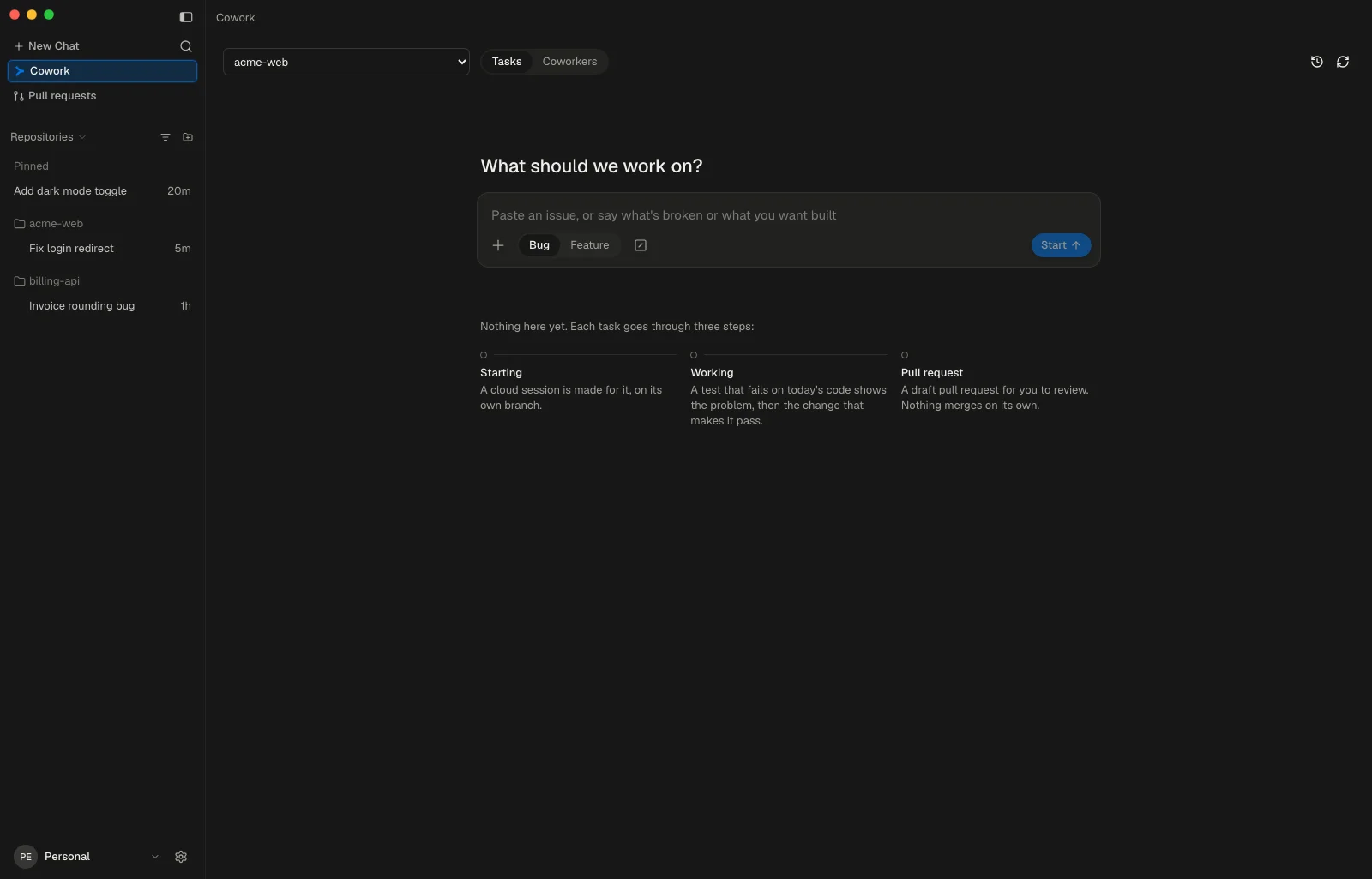
One box to start from
Cowork opens on “What should we work on?” and one box. Paste an issue, as a link, #123 or owner/repo#123, and Start works it at once. Or say what is broken or what you want built, and Write it up files a GitHub issue with you first.
- Bug or Feature
- Under the box. A bug's first test shows what is broken; a feature's sets out what is new.
- Specs and images
- Markdown, text, PDF or image files: pick them with + or drop them on the page, and paste an image. They go to the write-up with your words.
- Skills
- Type / or press the skill button to pick up to eight of the skills your repository's cloud tasks carry. Each goes with the task.
An issue that already exists starts as written and takes no files. It needs a description to work from.
A write-up that asks only what is missing
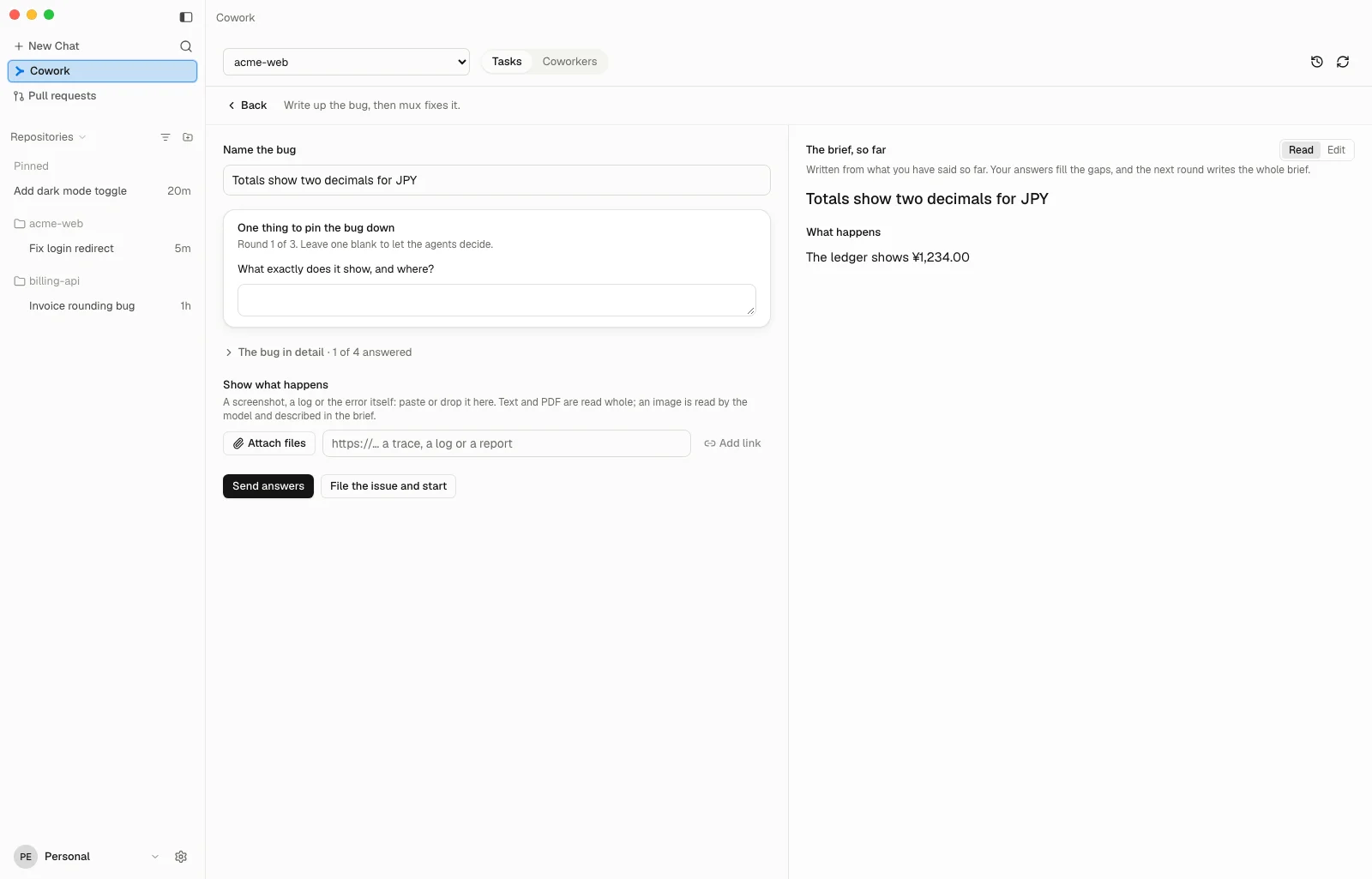
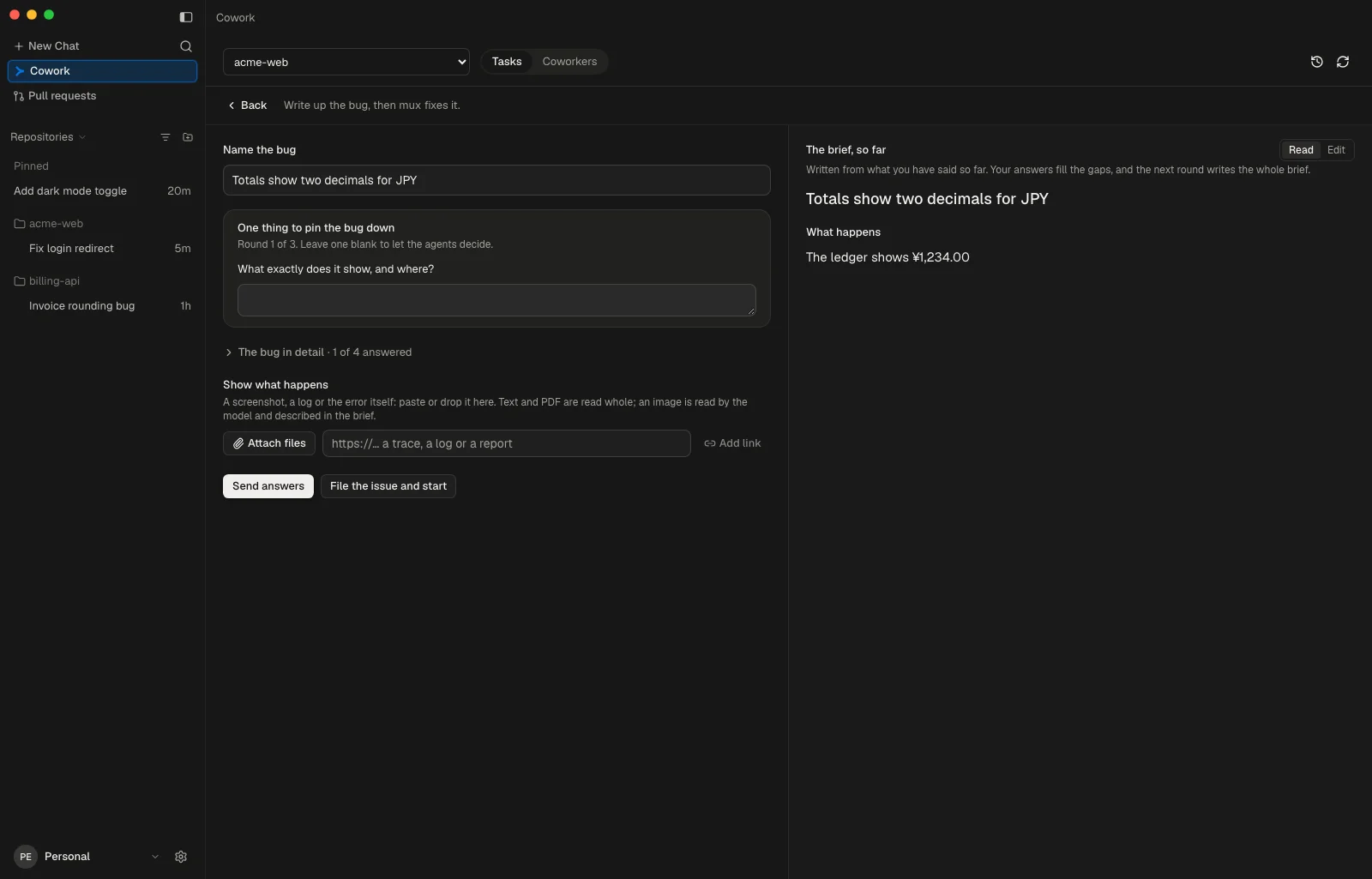
The write-up reads what you typed as soon as it opens, then leads with the one to three questions mux's model still needs, in the kind's own terms. The rest of the form stays folded until you want it.
- A bug
- Asks to see what happens: a screenshot, a log or the error. Filed as What happens, What should happen, Steps to reproduce and Fixed when.
- A feature
- Filed as Behaviour, Who it is for, Done when and Out of scope.
File the issue and start files it on GitHub and starts the task. A write-up you leave keeps its questions and answers while muxcode runs.
The task stays on the page
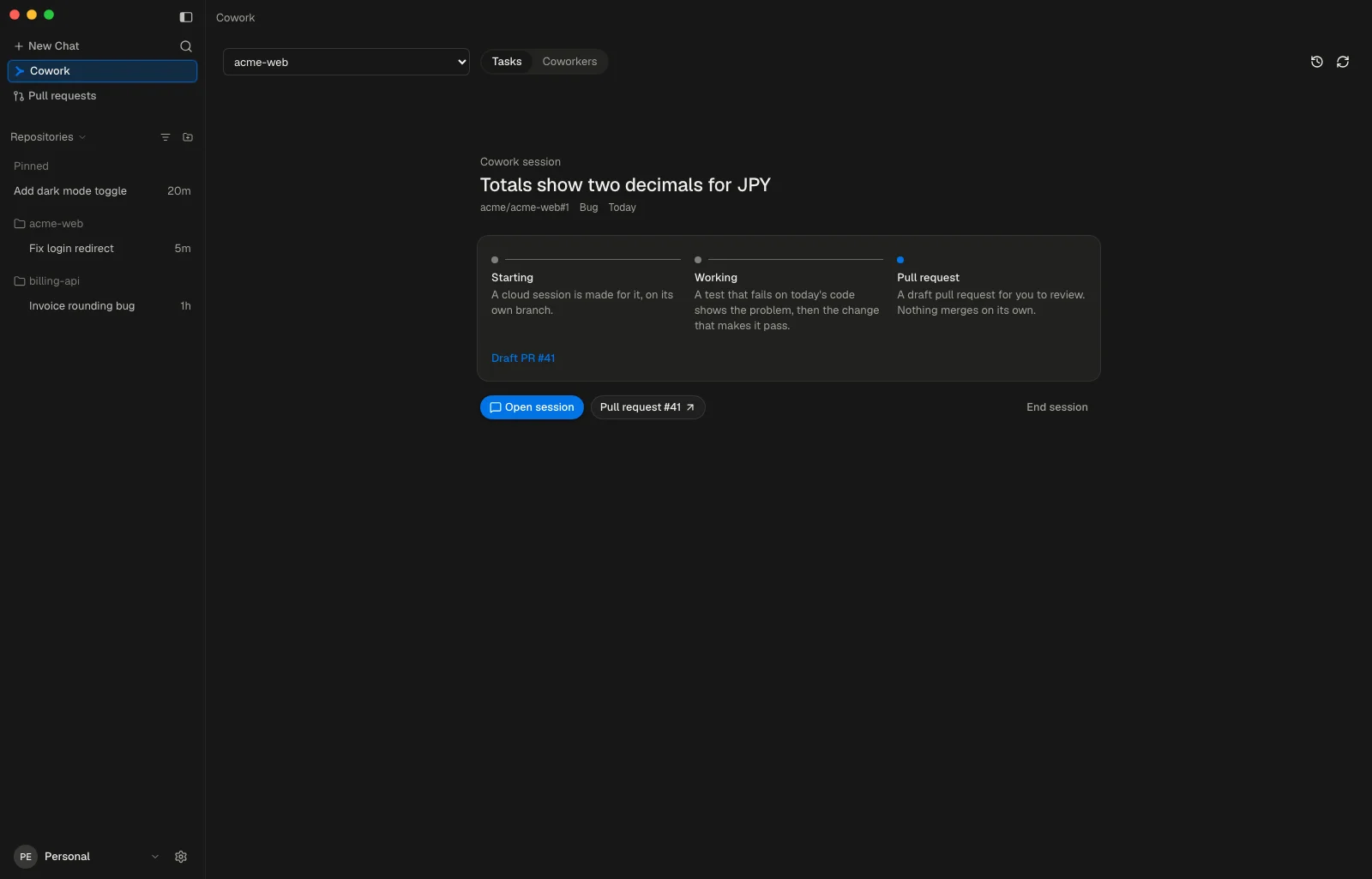
A task you start becomes Cowork's session. The page shows its issue, kind and day, the step it is on and what that means, Open session and its pull request. It stays through trips into other sessions, a switch of repository and a relaunch.
End session takes it off the page. The task keeps running in the cloud.
Where a retry can help, the session offers Check again or Open PR.
History across the workspace
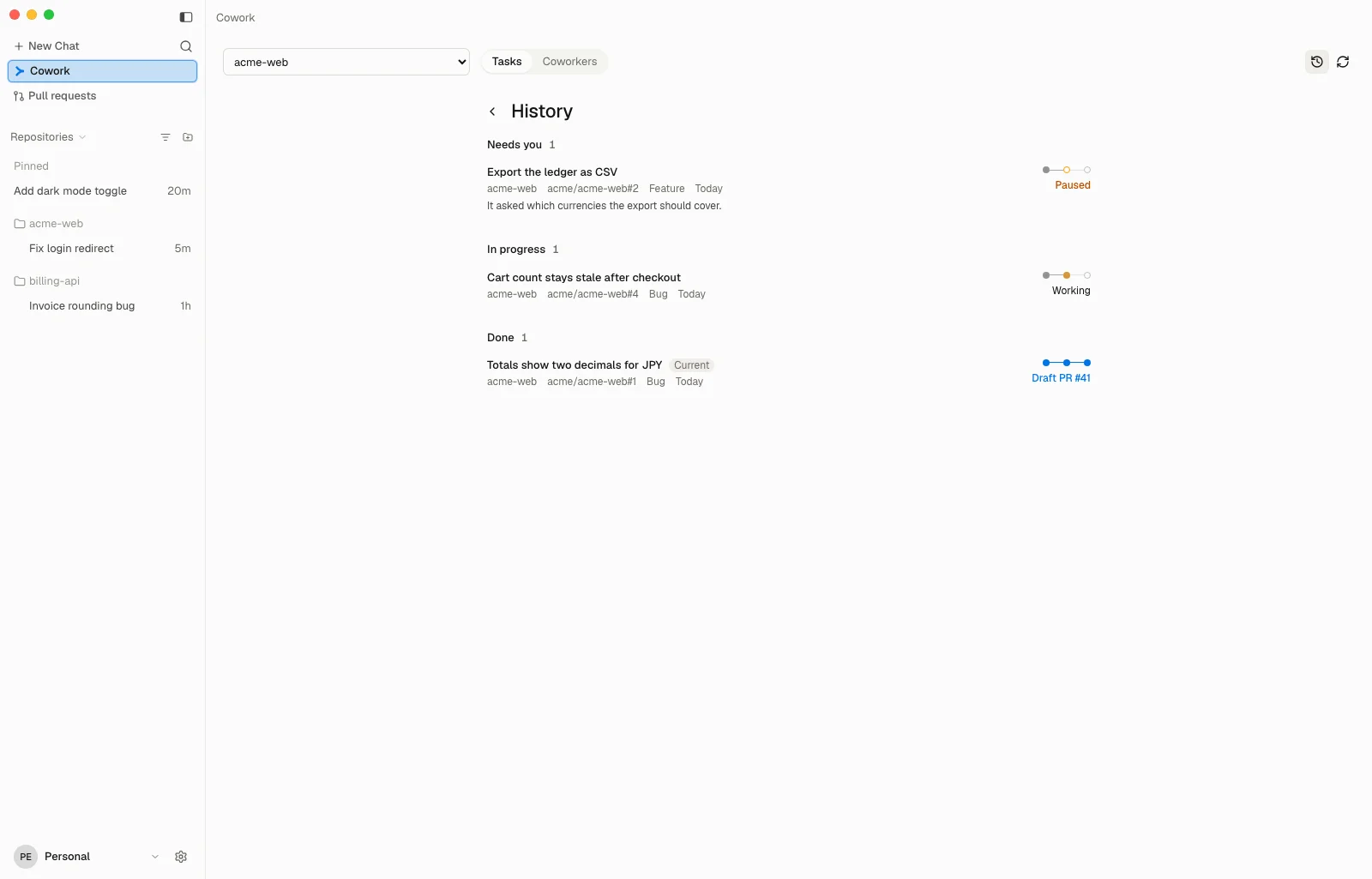
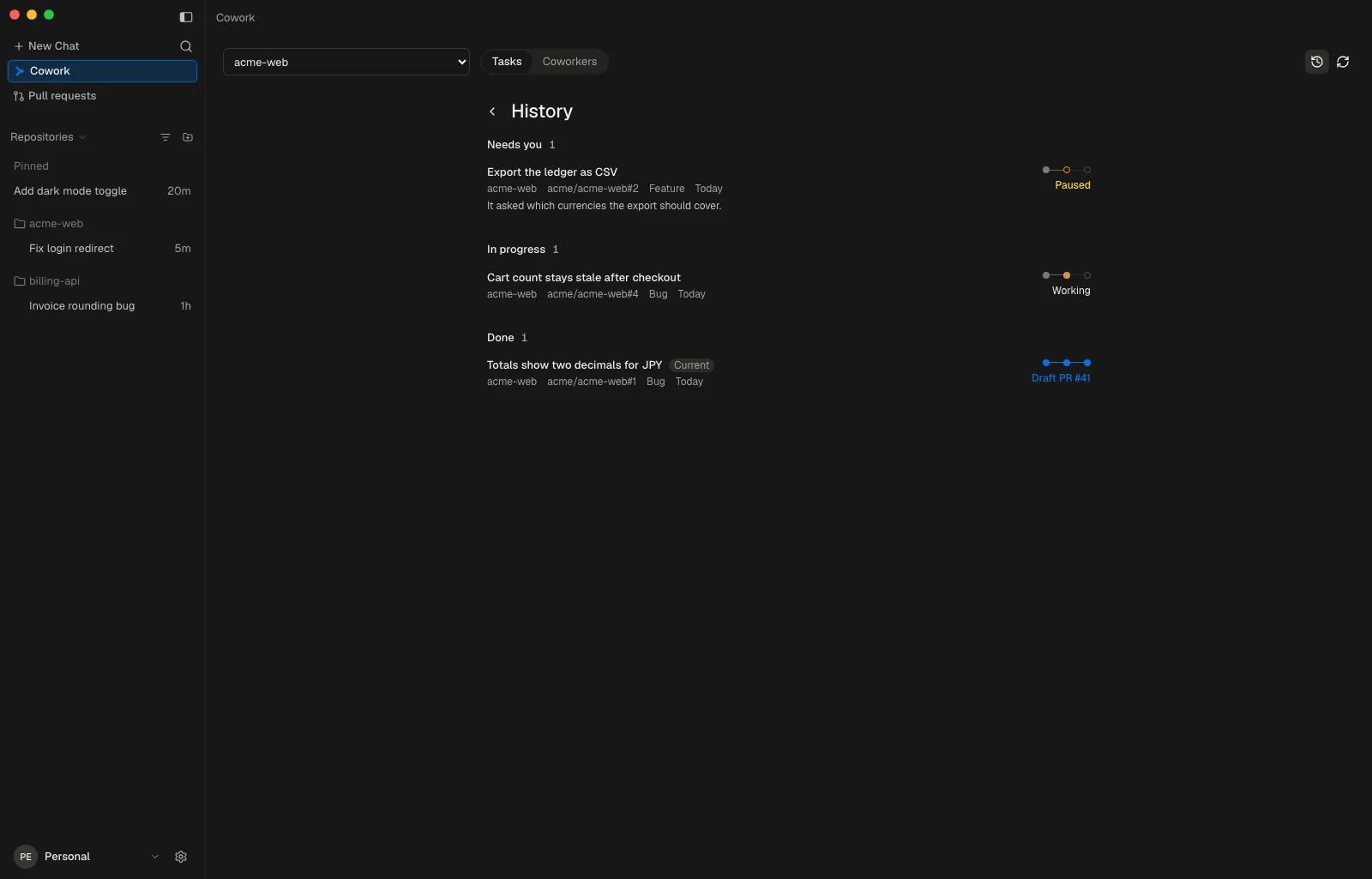
History, the clock beside Refresh, lists the Cowork tasks and earlier runs of every repository in the workspace, grouped as Needs you, In progress and Done. Pick one to resume it as Cowork's session; the project picker moves to its repository.
Each row shows the issue, its kind and day, the three steps and its state, such as Working, Paused, Blocked, Not reproduced or Draft PR, with the reason under it.
Coworkers
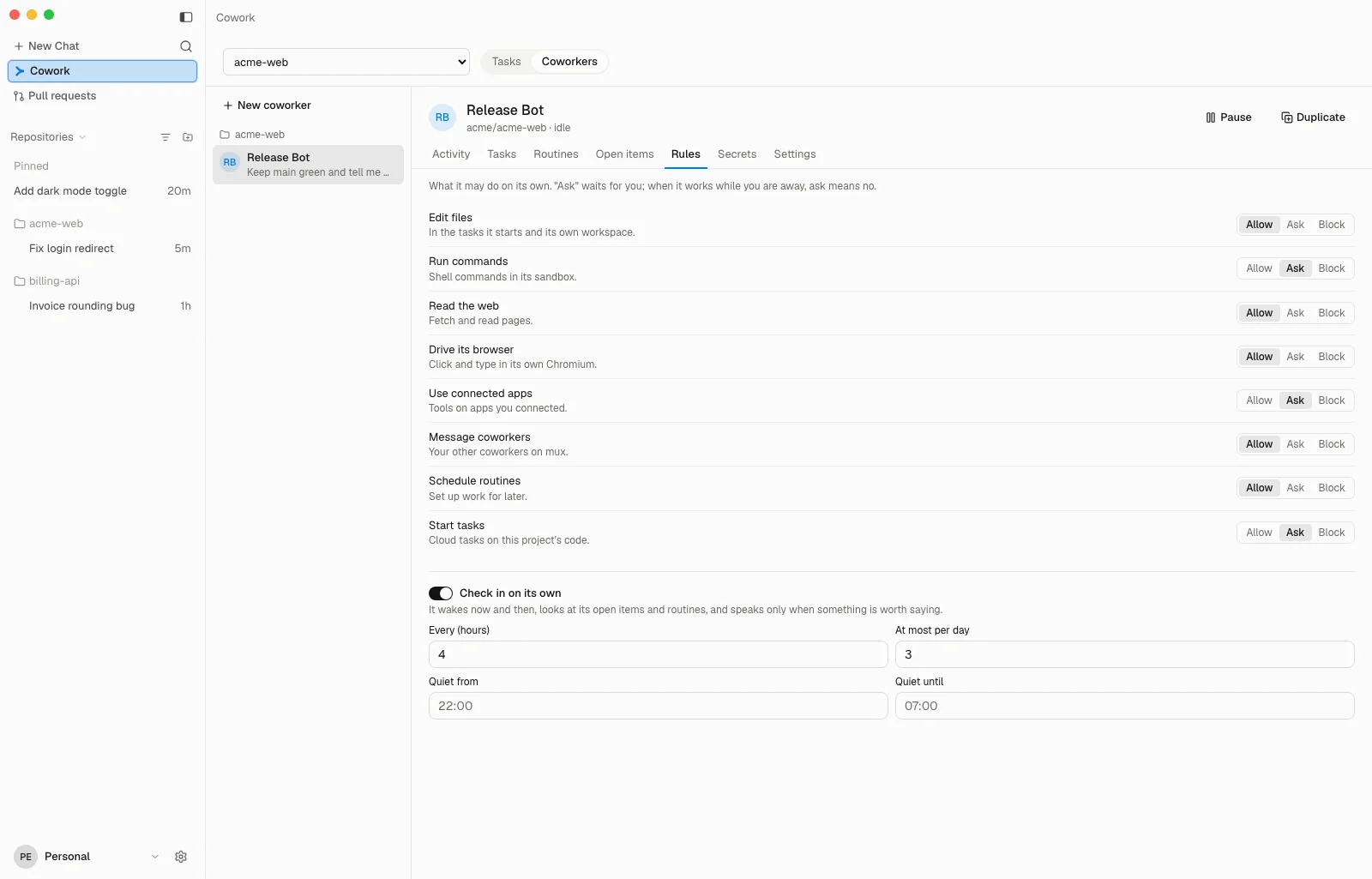
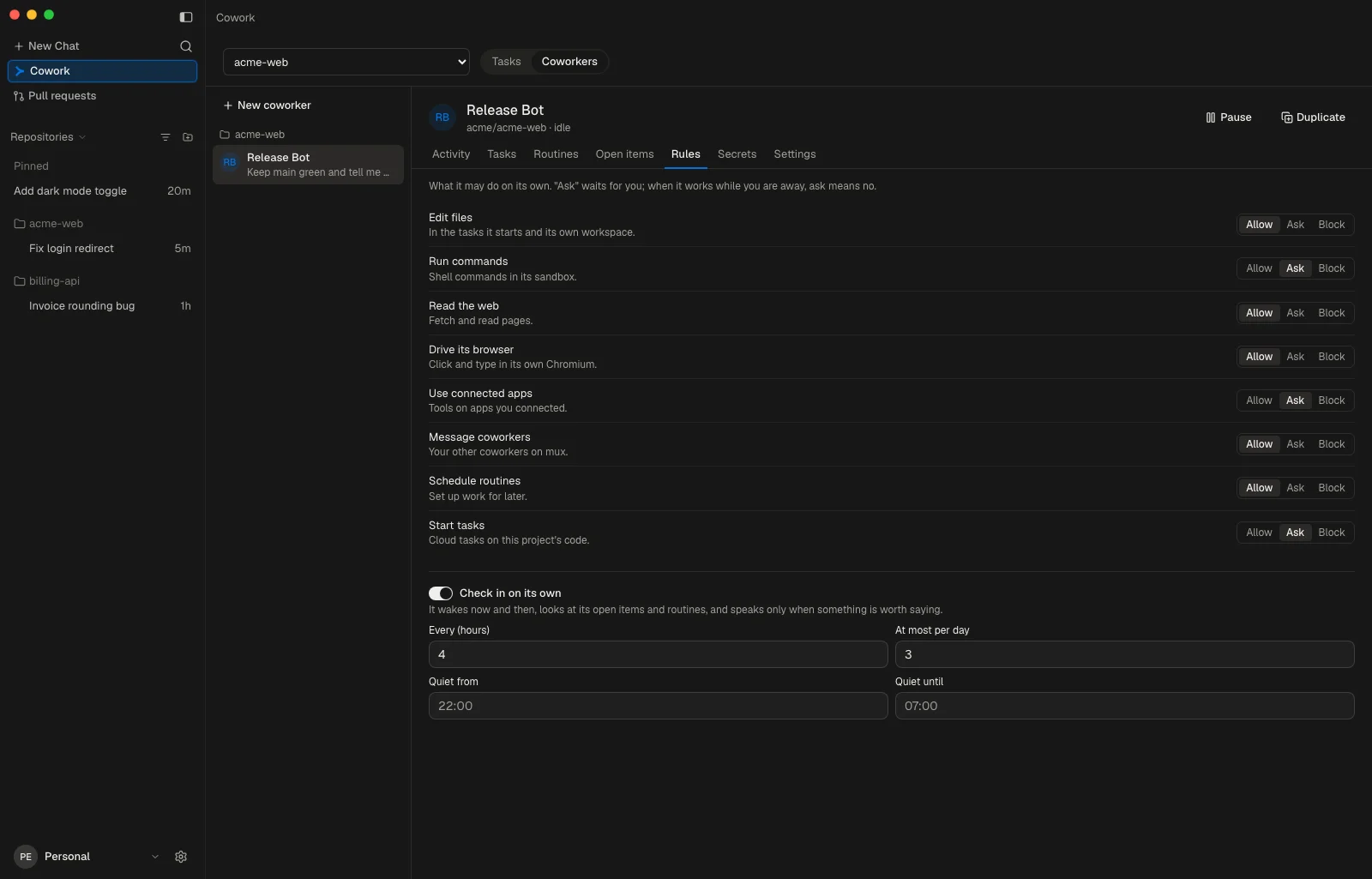
Where your workspace's mux offers them, a Coworkers tab sits beside Tasks. A coworker is a standing teammate on mux with a job, a model of its own and rules, and it asks first about anything its rules say to ask about. While it works with you away, an ask counts as no.
- Rules Allow, Ask or Block for each kind of action: edit files, run commands, read the web, drive its browser, use connected apps, message coworkers, schedule routines and start tasks.
- Routines and check-ins A routine runs on a schedule or once, and can wait for a page it watches to change. A check-in wakes it now and then to look at its open items and routines.
- Webhook A POST to its address wakes it and hands it the body.
- Secrets Keys it can use but never sees, each sent only to the address you bind it to.
- Across the workspace The tab lists the coworkers of every repository. Duplicate makes one again on another repository with its job, rules, routines and model; its secrets stay with the original.
What Cowork needs
- Pro or Pro+ Your workspace's plan, or in a team workspace your own. Cowork runs on mux's included model, which Hobby and the 72-hour trial do not include, and a team member spends their own plan's allowance.
- A GitHub repository Its origin remote must be the repository the GitHub CLI (gh) opens pull requests in, and the issue must be one of its own.
- A clean checkout on the default branch No uncommitted or untracked changes, no sparse checkout, no skip-worktree or assume-unchanged files, no files converted on checkout, and the commit you have checked out must already be on origin's default branch, so the pull request carries only the issue's change.
Cowork does not push a change to anything in a hidden folder or a dotfile, or to CI, build and task files, tool settings, manifests, lockfiles or agent guides, since a pushed branch runs CI with the repository's secrets. You review such a change in the task and open its pull request from the Git menu.
Plans
muxcode is free on your Mac. Cowork needs Pro or Pro+, your own plan in a team workspace.