Context for your agent.
Compute for its tasks.
muxcode runs agents on the models you already use.
Bring your own subscription
Sign in with the plans you already pay for, or add an API key.
- OpenAI
ChatGPT sign-in - Anthropic
Claude Pro or Max - Gemini
Google sign-in - xAI
X or SuperGrok - Muse Spark
Meta sign-in - OpenRouter
API key
- Fresh context windows by default.
- Durable notes across windows.
- Full session history, searchable.
Ask the codebase in plain words
A workspace keeps one index of your team’s repositories. Search it by pattern on every plan, or by meaning with Pro and Pro+.
Search the workspace
Try asking:
- Where do we validate checkout?
- What calls the billing webhook?
- How does sign-in refresh a session?
Shared workspaces
One place for your team’s repositories, people and agents. Grant code once, and every member and agent searches the same index.
Search by meaning
Ask a question and get the passages that answer it, each with its file, lines and commit, over search_code and ask_code.
One workspace for your team
GitHub, muxcode, cloud sandboxes and every MCP agent meet at one shared code index, with one set of members and keys.
- muxcode harness Runs agents on your Mac or on mux.
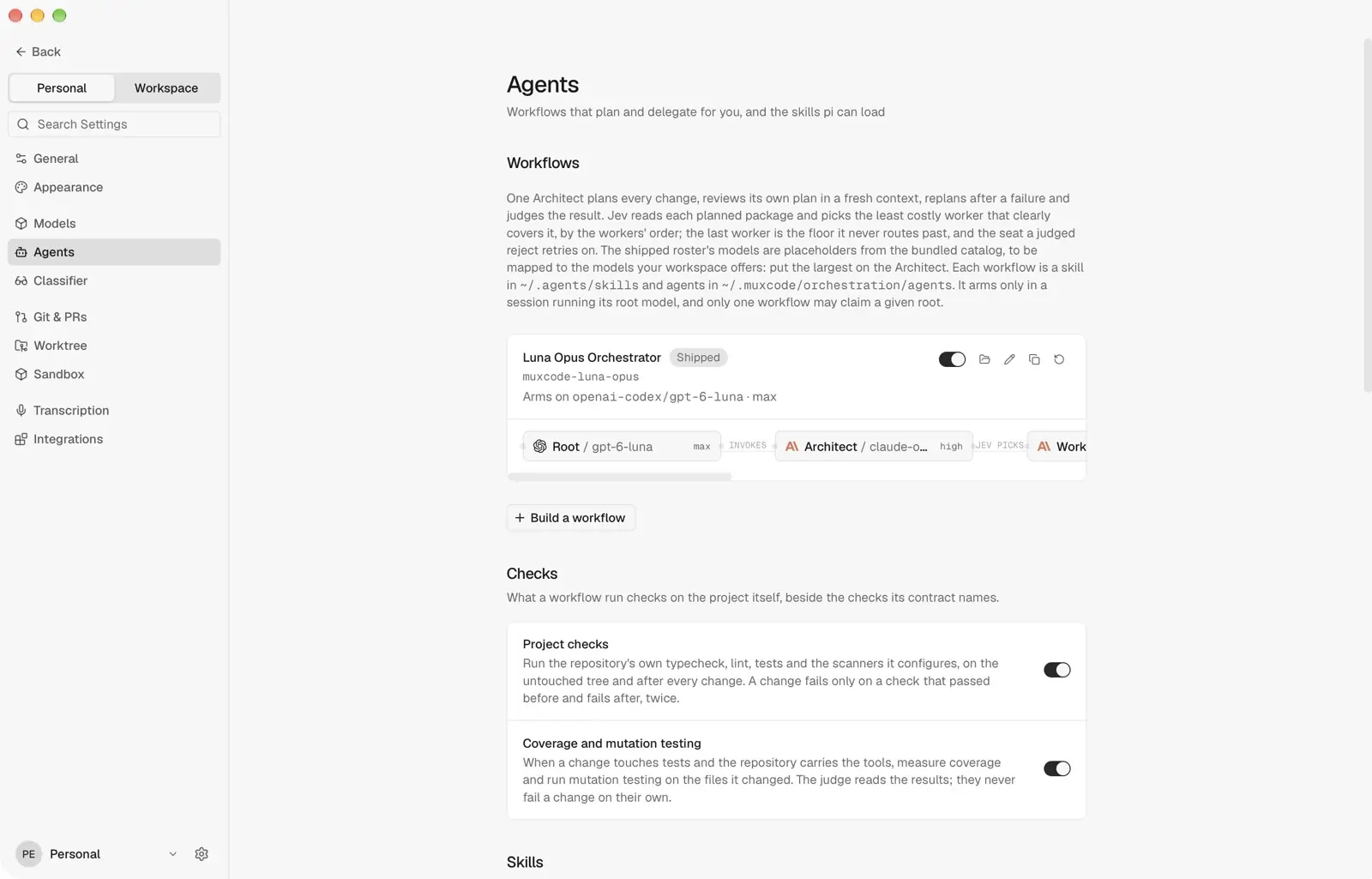
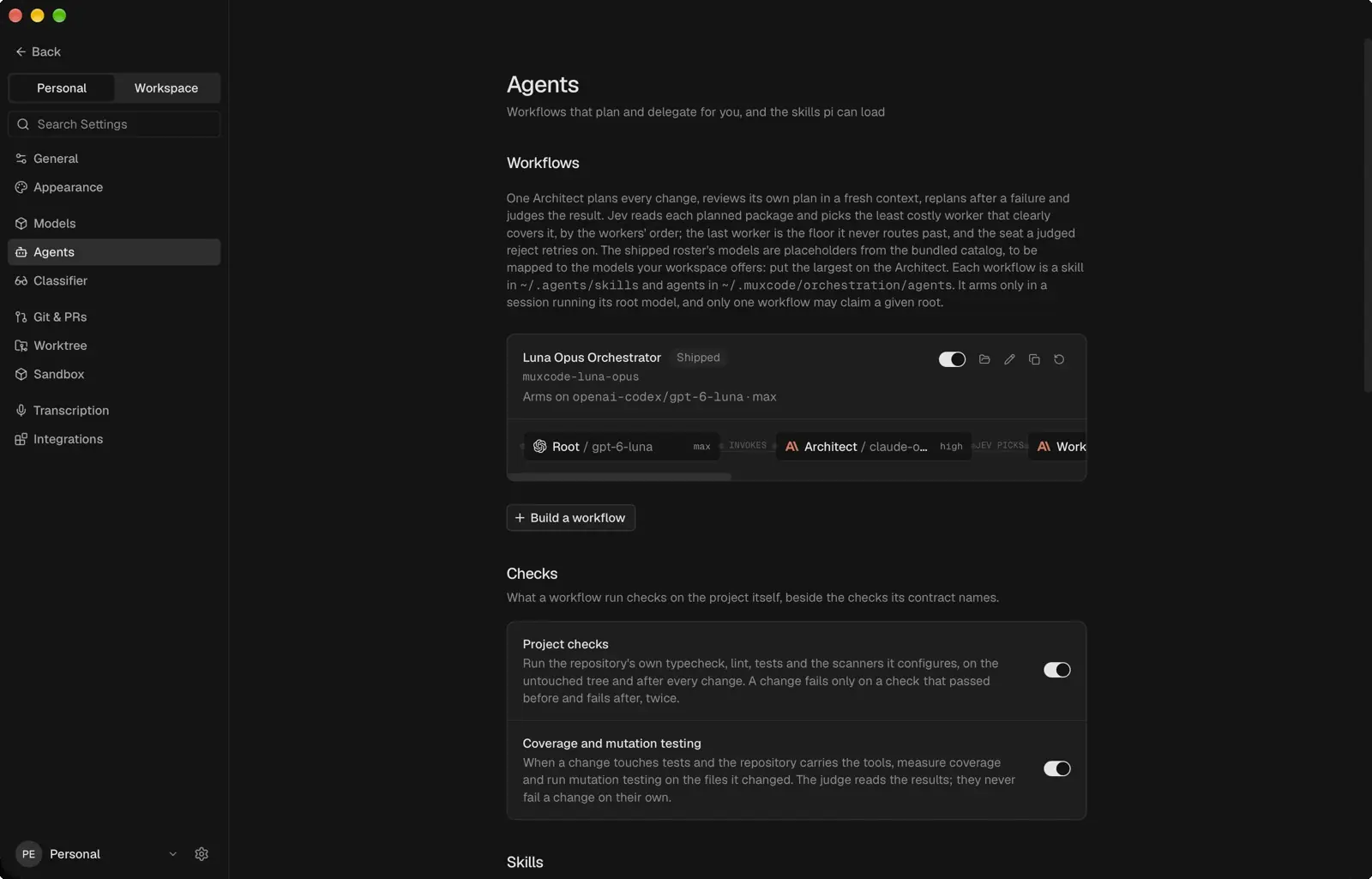
- Plan-first workflow An Architect plans and judges; your checks test each change.
- MCP access Give any MCP client the workspace index.
- Scoped keys Mint and revoke keys for each member.
- Re-index on push Pro and Pro+ keep every repository current.
- Pattern search Match the shape of the syntax tree with grep_code, on every plan.
- Fresh context windows On by default: notes carry into a new window.
- Members and devices One index shared by the whole team.
How muxcode plans a change
A worker builds the Architect's plan, and Clef, a small classifier, can make it think harder.
Architect · Fix the postcode check in checkout
Planned steps
- Find where checkout validates postcodes
- Change the pattern and add a test
- Run the project's checks
Which worker builds
If you add a second worker, Clef picks the cheapest that clearly covers each package, or keeps the one you set.
Permissions on local tasks
muxcode asks about anything your mode does not allow.
- Edit files in
checkout/ - Search the project
- Push the branch · asks first
Common questions
What is mux, and what is muxcode?
mux is the cloud service: code index, sandboxes and team access. muxcode is the Mac app. A local task's agent runs on your Mac; a cloud task's runs on mux.
Can I use mux with other coding agents?
Yes. Codex, Claude Code and other MCP clients search the code index with a workspace key, and the API takes the same key. muxcode adds the workflow and cloud tasks.
What can I start with for free?
Hobby gives you muxcode, one indexed repository, pattern search and MCP access. Pro, Pro+ and the 72-hour trial add cloud sandboxes, search by meaning and triage, and include Clef. Compare the plans.
Does the classifier control permissions?
No. Clef can name a risk on a local task's permission card, but never widens a permission. Cloud tasks show no cards: commands run in a container with no credentials.
What does Triage do with an issue?
Name a GitHub issue on muxcode's Triage page. A cloud agent works on it in a container and leaves any fix on a branch you fetch from the commit menu. See the Triage workflow.
How do fresh context windows work?
They are on by default. When a long task nears its limit, muxcode starts a fresh window instead of writing a summary: agents check how much context is left, keep durable notes and can search the full session history. You can switch back to summary compaction in Settings.
Plans
Start free: create a workspace, connect GitHub and index one repository. Cloud tasks need Pro, Pro+ or the trial.
Compare plans